Text Version
In this tutorial we will be registering a new account in our phpBB forum.
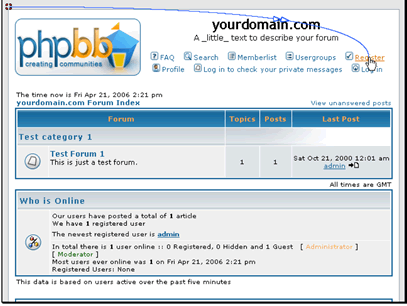
Begin by clicking on the Register link
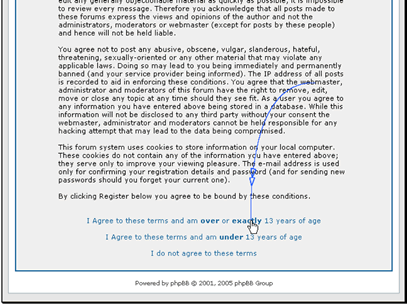
Make sure to read the registration terms
After you read the terms click the link that applies to you
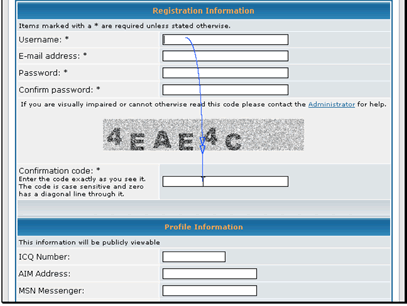
Enter your user information
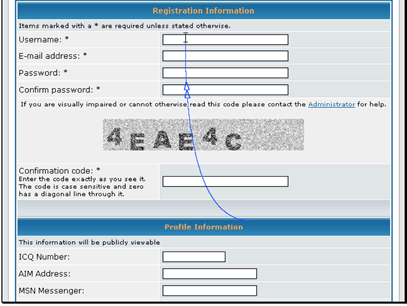
Next you will need to enter the confirmation code. This is used to prevent SPAM signups.
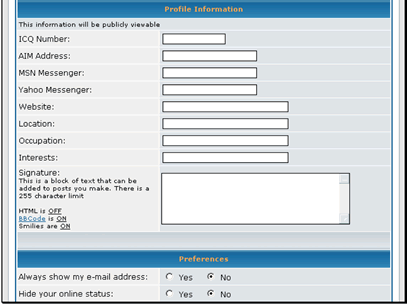
You can enter a lot of information about yourself
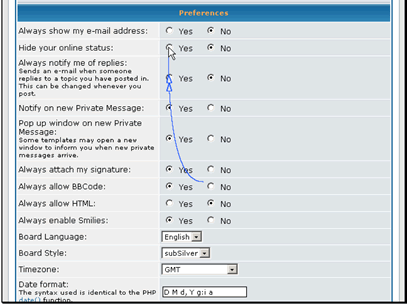
You can also set a lot of personal preferences for how the forum will run
After everything has been filled out click the Submit button
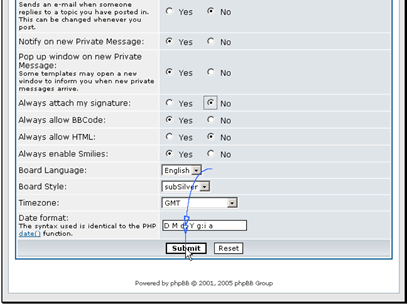
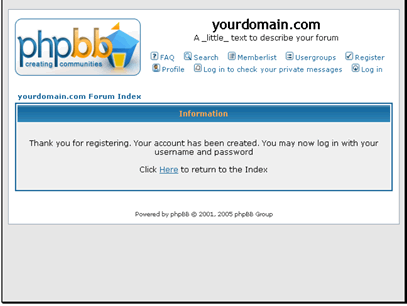
Your new user account has been created.