
How do I manage bans?

Text Version

In this tutorial we will be using the ban controls. If you have an abusive user you can try to keep them from accessing the system
Begin by clicking Ban Control
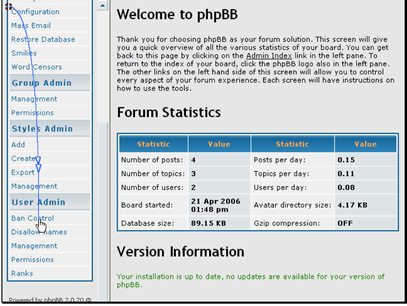
In this tutorial we will be using the ban controls. If you have an abusive user you can try to keep them from accessing the system
Begin by clicking Ban Control

If you know the username you want to ban enter it here
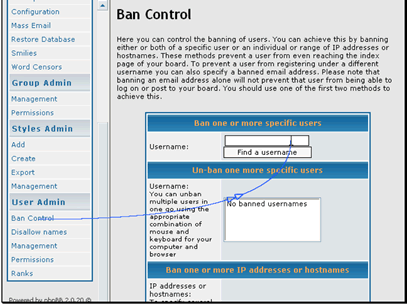
If you know the username you want to ban enter it here

You can also ban based on the IP address of the user
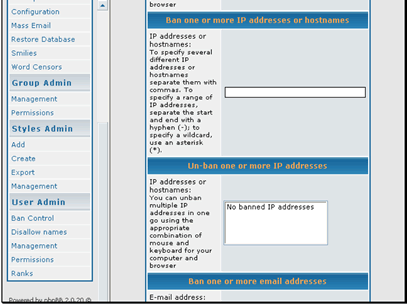
You can also ban based on the IP address of the user

And you can ban email addresses
When your bans are setup click Submit
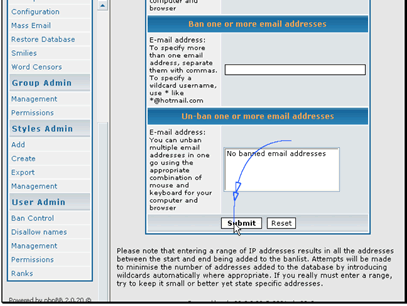
And you can ban email addresses
When your bans are setup click Submit

Let's go back and remove the ban
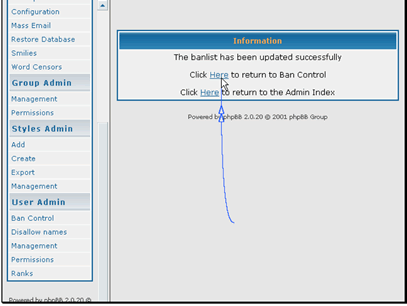
Let's go back and remove the ban

Click the username to unban. You can select multiple users by holding down Ctrl (Windows) or Cmd (Mac) while clicking
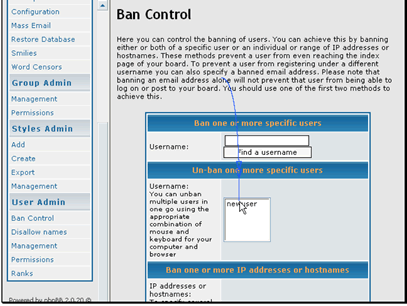
Click the username to unban. You can select multiple users by holding down Ctrl (Windows) or Cmd (Mac) while clicking

Click Submit
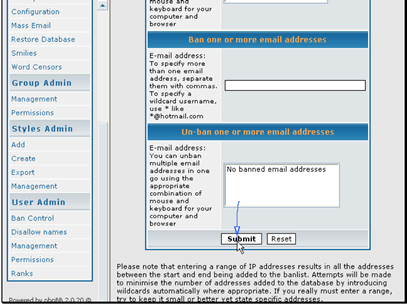
Click Submit

Your users have been unbanned
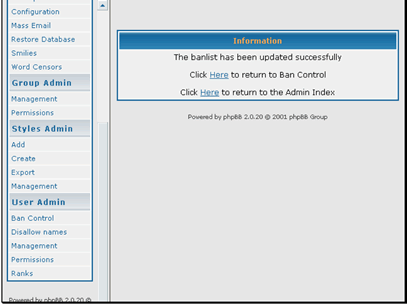
Your users have been unbanned

  • 1 Users Found This Useful
Was this answer helpful?

Related Articles

How do I send a private message?

Text Version In this tutorial we will be sending a private message (PM) to another user.There...

How do I edit my profile?

Text Version In this tutorial we will be updating our user profileBegin by logging in to the...

How do I add a style?

Text Version In this tutorial we will be adding a new styleThe first step is connecting to...

How do I install phpBB?

Text Version In this tutorial we will be installing phpBB version 2.We will assume that you...

How do I prune posts?

Text Version In this tutorial we will be pruning the forums. Pruning deletes posts from your...